
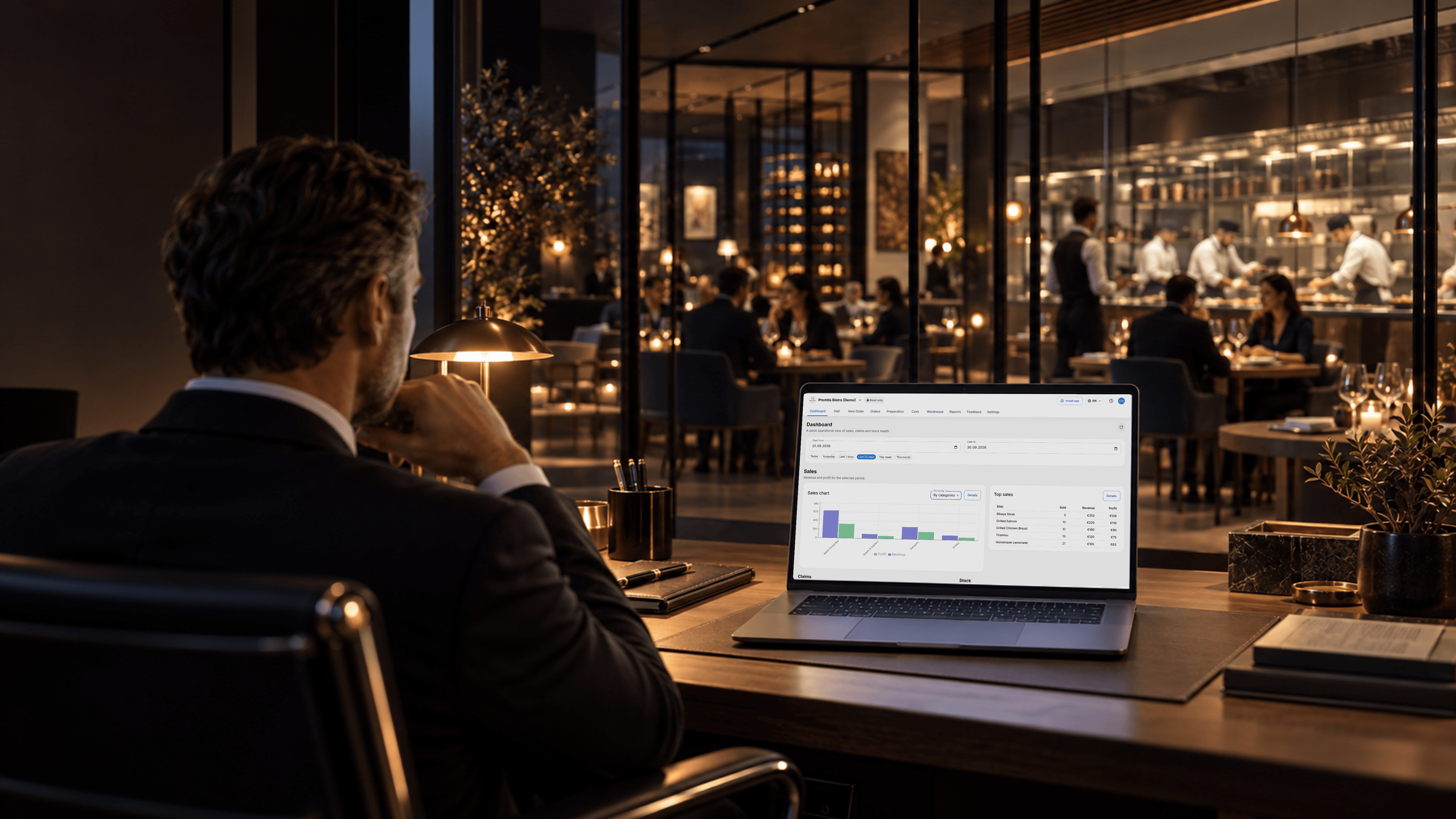
Smart MenuOrders, kitchen and management in one system
Let guests order in their language, keep your team connected and track sales and stock
•Free for 30 days•No credit card required
Application interface
Choose a category to see how it works
Demo organization
Try all features free
Try every feature free for 30 days. Then keep the free menu or pay only for the modules you need
Monthly prices per venue
Recommended configuration
Automate orders through preparation for venues serving international guests
Basic Menu
A free QR menu for your venue
Digital QR menu
Venue photo and video gallery
Branded venue page
10 interface languages
Professional Menu
Translate your menu and present dishes with photos and videos
100+ menu languages
100+ interface languages
Automatic menu and interface translation
Dish image generation
Dish photo and video gallery
Orders
Add dine-in, takeaway, and delivery workflows without relying on third-party ordering platforms
QR, waiter and cashier orders
Dine-in, takeaway and delivery
Table calls and order tracking
Sales reports and guest feedback
Preparation
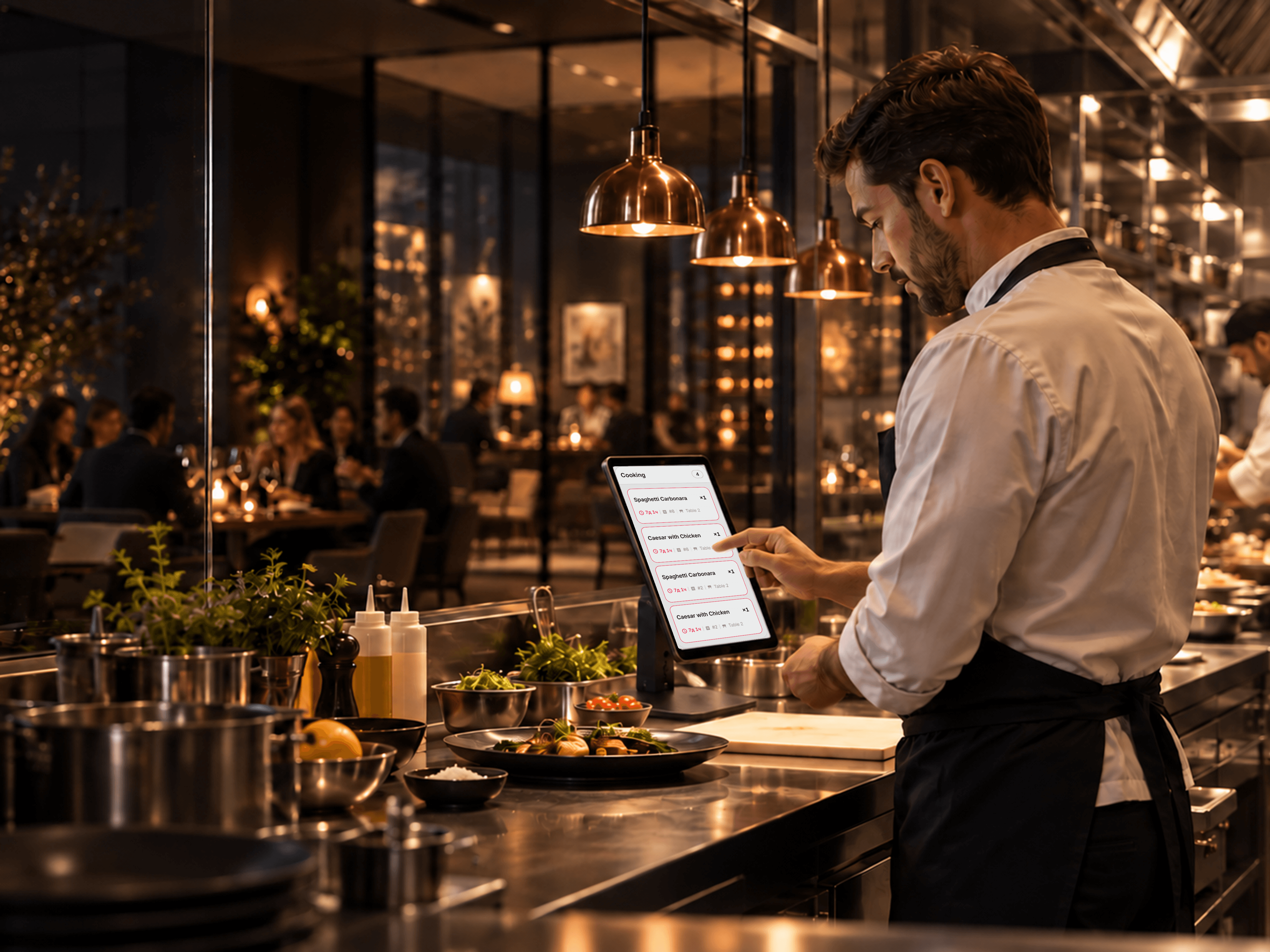
Send orders to preparation stations and track their status
Kitchen and bar stations
Order routing
Preparation stages
Pickup display
Stock management
Record receipts, write-offs, transfers and stocktakes; track stock by variation and control dish availability
Receipts and write-offs
Transfers and stocktakes
Stock by dish variant
Dish availability
Custom solution
Contact us to assess your POS and workflow. Any integration needs to be agreed individually
Workflow assessment
Individually agreed integrations
For cafés, restaurants and more
Choose how guests order and how your team handles each order
Restaurants and bistros
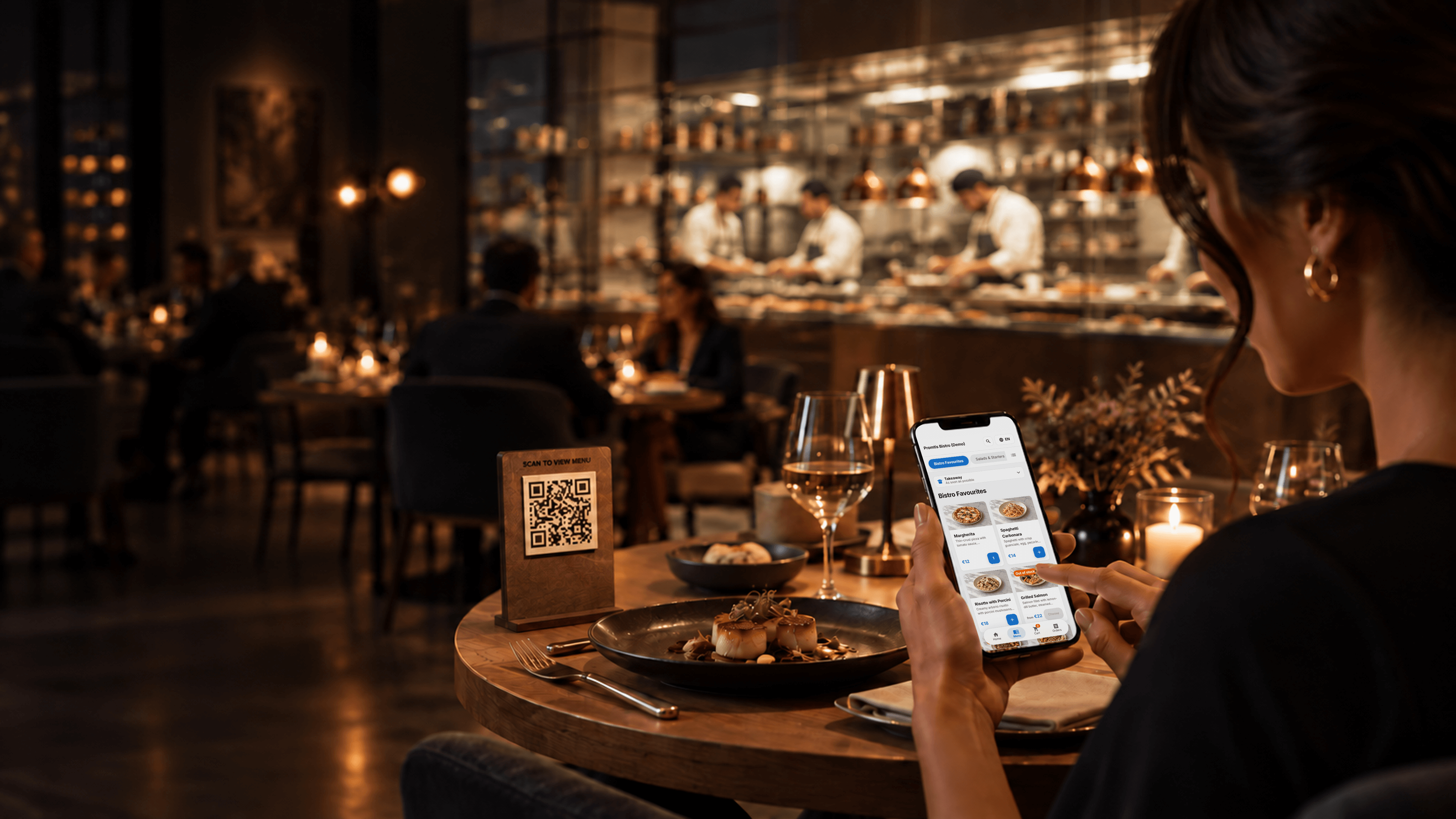
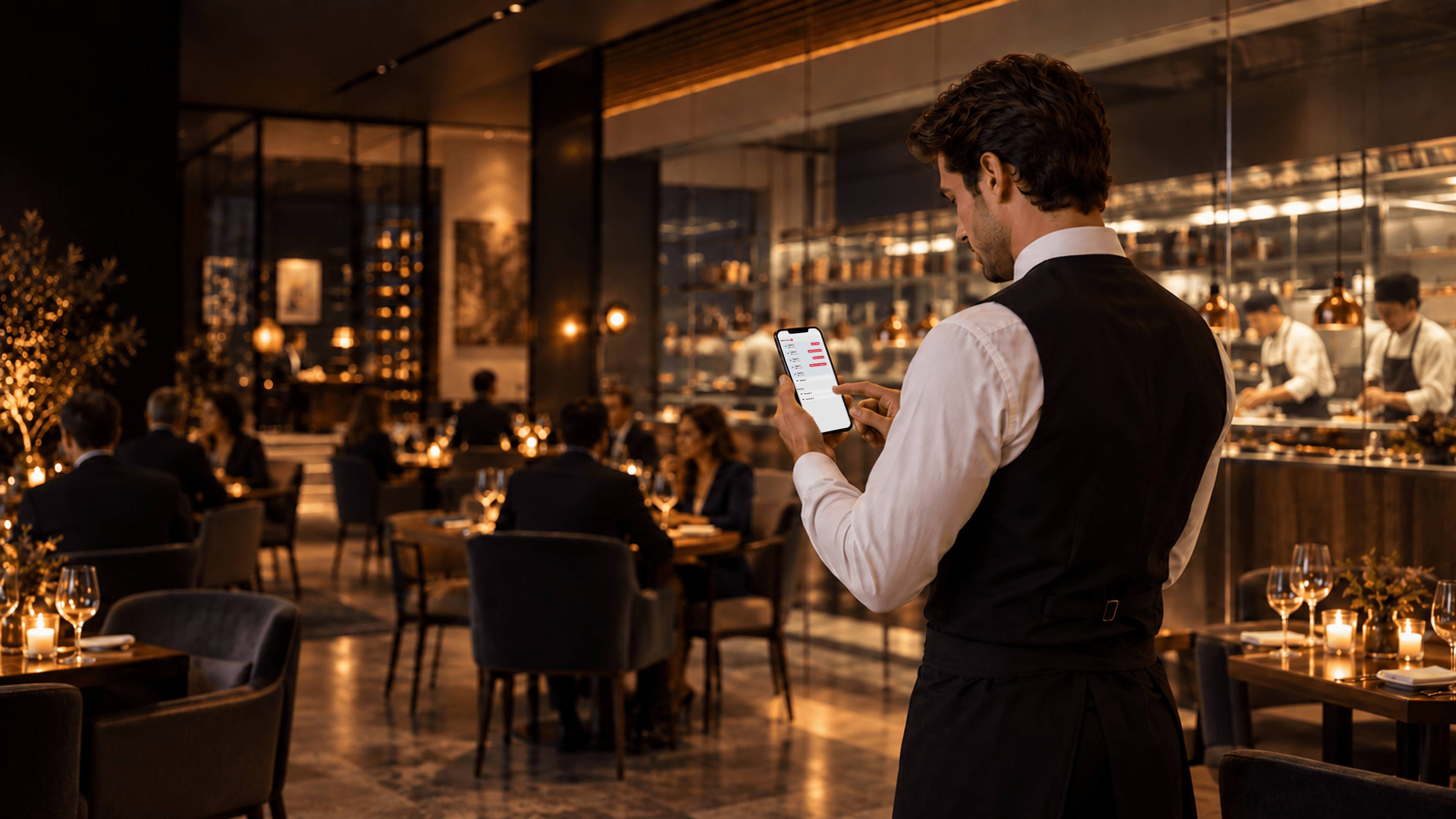
Guests order by QR code or through a waiter. Table orders reach the assigned kitchen and bar stations; staff track preparation and serve the right table
Cafés and bakeries
Take orders at the cashier or by QR code, manage takeaway and update daily offers. Stock availability helps the team keep the menu current
Bars and pubs
Guests reorder from the table or ask a waiter for help. Drinks reach the bar station while staff track open orders and availability
Fast food
Accept self-service and cashier orders, route items to preparation stations and show ready orders on the pickup screen
Hotel service
Offer international guests a translated menu for the restaurant and lobby. Staff take orders and coordinate preparation through the same system
Food courts
Each venue can accept QR and cashier orders, route preparation and show pickup status. Staff track their venue's orders and stock
Common questions before launch
Create an account, add your menu and set up ordering. We can help your team get started
No special hardware is required to get started. Staff can work from smartphones or tablets, and Smart Menu fits the devices most teams already have
Contact us to assess your POS and workflow. Any integration needs to be agreed individually
You can change your selected modules or cancel your subscription without a long-term commitment
We can help your team learn the main tasks: taking orders, tracking preparation and updating the menu
By default, Smart Menu supports 10 interface languages across the admin area and the public venue page. With the Professional Menu module enabled, menu and interface support expands to 100+ languages, and dish image generation becomes available as part of the same module
Smart Menu uses access controls and data protection measures. Contact us for the current privacy and data-processing documentation
After the 30-day trial, keep the free basic menu or choose the paid modules you need

Have any questions?
Please get in touch with our team and we’ll be happy to answer them