
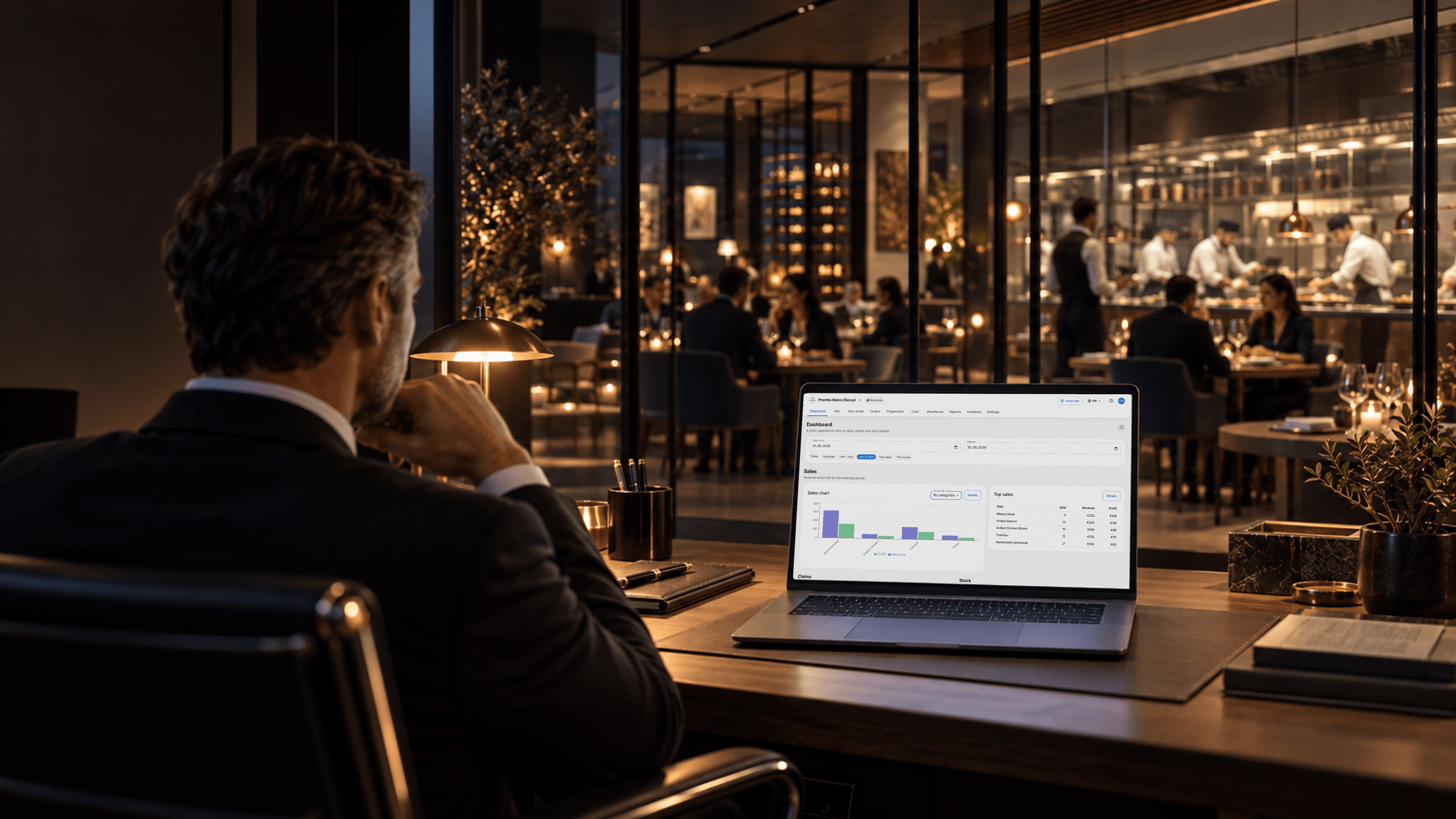
Smart MenuOrders, kitchen and management in one system
Use the devices you already have — phones, tablets and computers, through your browser
•Free for 30 days•No credit card required
Explore PROMTIS Smart Menu step by step
See what each module offers. Open full training for detailed setup instructions
Explore the demo Venue
Try all features free
No credit card required. Try every feature free for 30 days. Then keep the free menu or pay only for the modules you need
Monthly prices per venue
1. Free limited module
Choose the free version for a limited set of Basic Menu features
2. Core paid module
Orders is the core module and the minimum required for a paid configuration
3. Optional add-on
Add Professional Menu, Preparation or Stock management to Orders when you need them. Each add-on is purchased separately
Free limited module
Basic Menu
Choose the free version for a limited set of Basic Menu features
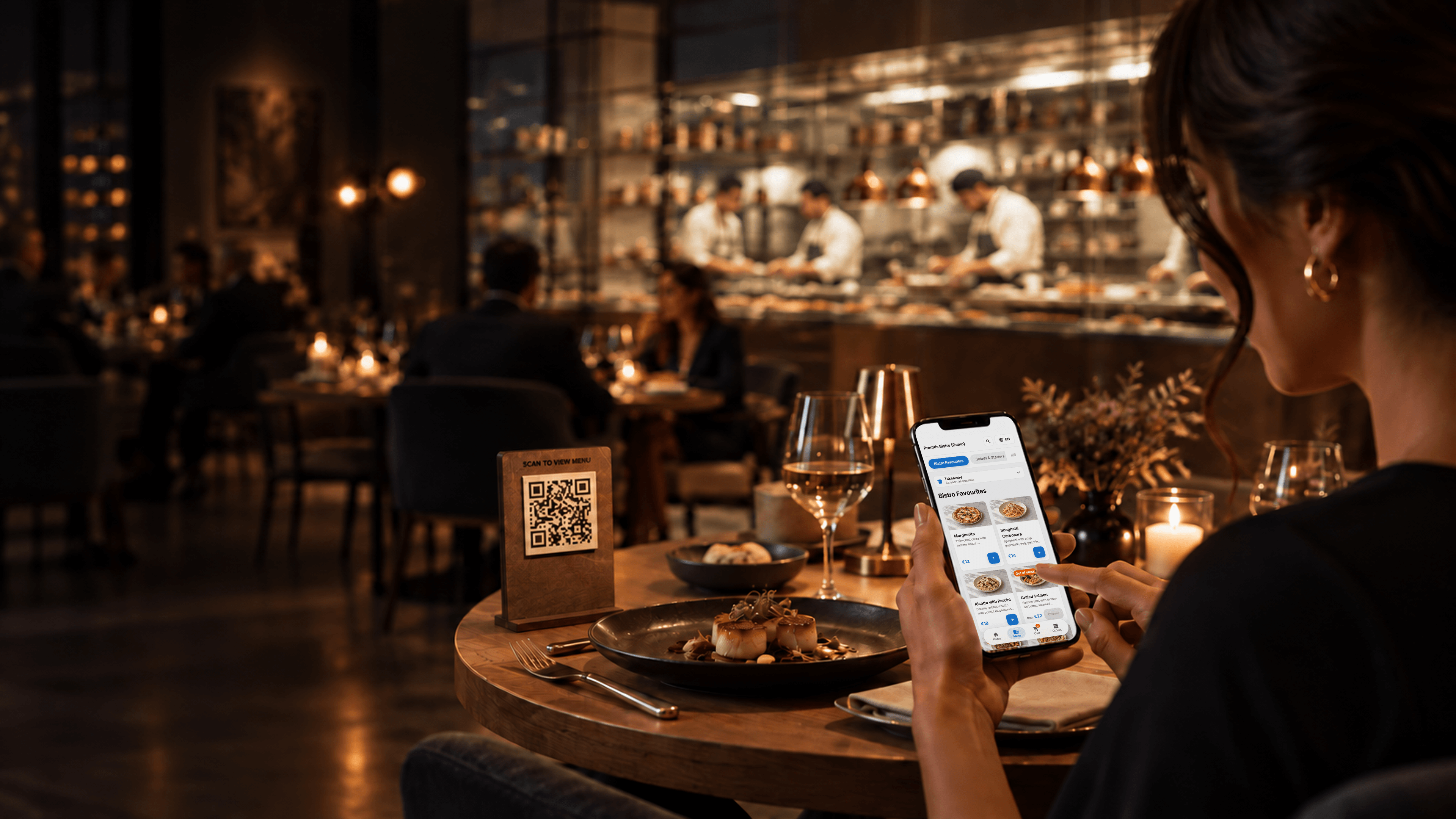
Digital QR menu
Venue photo and video gallery
Branded venue page
11 interface languages
Core paid module
Orders
Add dine-in, takeaway, and delivery workflows without relying on third-party ordering platforms
QR, waiter and cashier orders
Dine-in, takeaway and delivery
Table calls and order tracking
Sales reports and guest feedback
Optional add-on
Professional Menu
Translate your menu and present dishes with photos and videos
Requires the Orders module. Price is added to its monthly cost
100+ menu languages
100+ interface languages
Automatic menu and interface translation
Dish image generation
Dish photo and video gallery
Optional add-on
Preparation
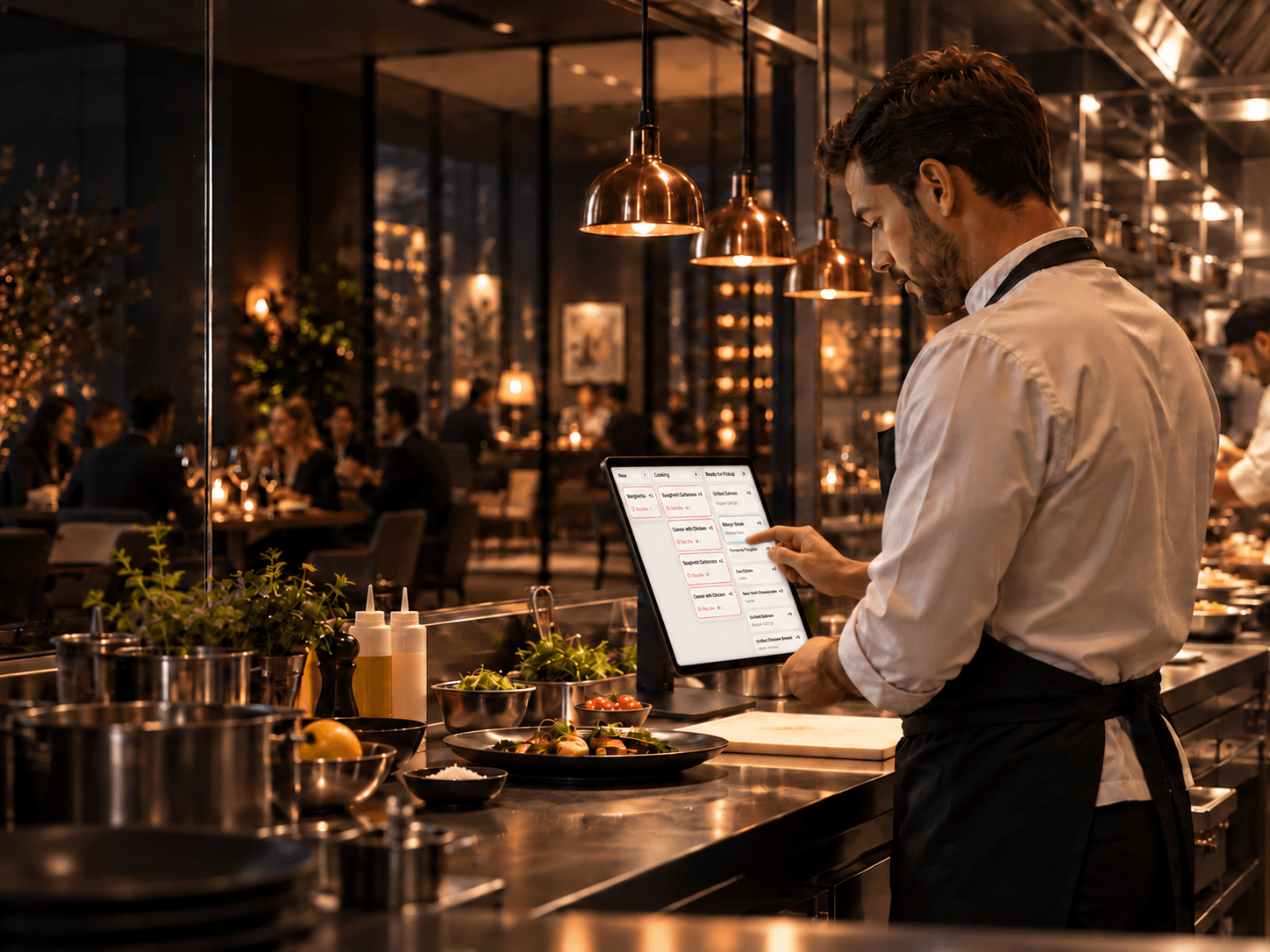
Send orders to preparation stations and track their status
Requires the Orders module. Price is added to its monthly cost
Kitchen and bar stations
Order routing
Preparation stages
Pickup display
Optional add-on
Stock management
Record receipts, write-offs, transfers and stocktakes; track stock by variation and control dish availability
Requires the Orders module. Price is added to its monthly cost
Receipts and write-offs
Transfers and stocktakes
Stock by dish variant
Dish availability
Individual solution
Custom solution
Contact us to assess your POS and workflow. Any integration needs to be agreed individually
Workflow assessment
Individually agreed integrations
Example configuration
Recommended configuration
Orders · €30/mo
Core paid module
Professional Menu · €10/mo
Optional add-on
Preparation · €10/mo
Optional add-on
An enhanced multilingual menu for guests from around the world. Orders go directly to the kitchen, helping reduce the workload on waiters
For cafés, restaurants and more
Choose how guests order and how your team handles each order
Restaurants and bistros
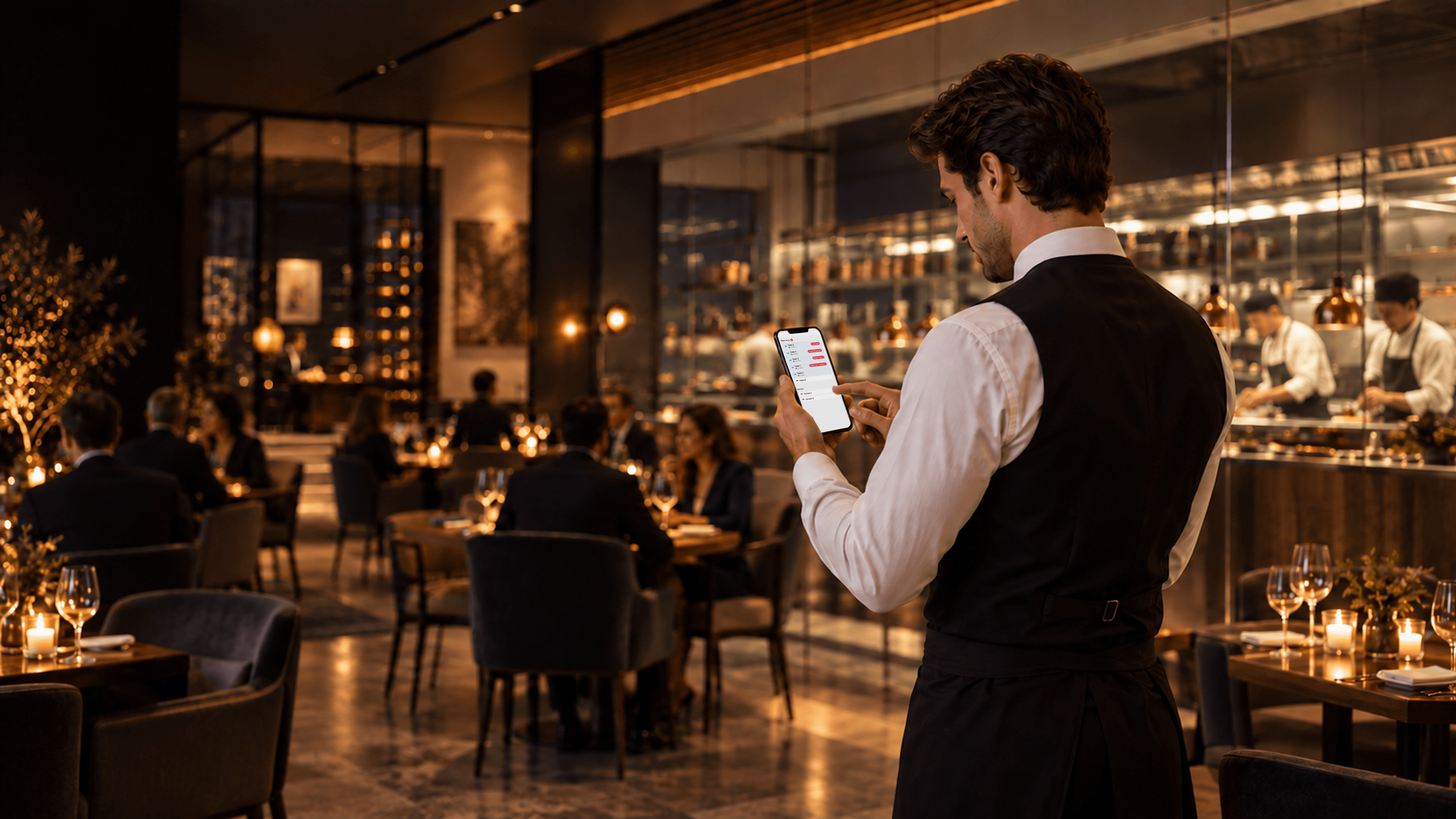
Guests order by QR code or through a waiter. Table orders reach the assigned kitchen and bar stations; staff track preparation and serve the right table
Cafés and bakeries
Take orders at the cashier or by QR code, manage takeaway and update daily offers. Stock availability helps the team keep the menu current
Bars and pubs
Guests reorder from the table or ask a waiter for help. Drinks reach the bar station while staff track open orders and availability
Fast food
Accept self-service and cashier orders, route items to preparation stations and show ready orders on the pickup screen
Hotel service
Offer international guests a translated menu for the restaurant and lobby. Staff take orders and coordinate preparation through the same system
Food courts
Each venue can accept QR and cashier orders, route preparation and show pickup status. Staff track their venue's orders and stock
Common questions before launch
Create an account, add your menu and set up ordering. We can help your team get started
No special hardware is required to get started. Staff can work from smartphones or tablets, and Smart Menu fits the devices most teams already have
Contact us to assess your POS and workflow. Any integration needs to be agreed individually
You can change your selected modules or cancel your subscription without a long-term commitment
We can help your team learn the main tasks: taking orders, tracking preparation and updating the menu
By default, Smart Menu supports 11 interface languages across the admin area and the public venue page. With the Professional Menu module enabled, menu and interface support expands to 100+ languages, and dish image generation becomes available as part of the same module
Smart Menu uses access controls and data protection measures. Contact us for the current privacy and data-processing documentation
After the 30-day trial, keep the free version with limited Basic Menu features, or start with Orders, the core paid module. Add Professional Menu, Preparation or Stock management to Orders as needed; each add-on is paid separately